
Brand
PinterestKey Optimization
Rebuilt as PWA
Speed Improvement
23s -> 5.6s TTI
Main Result
+44% Ad Revenue
Catch the issues that make sites look broken, lose trust, and cost conversions before a client, customer, or stakeholder sees them.
ScanlyApp monitors your site like a real user and alerts you before customers complain. Catch bugs, performance drops, and regressions with trace-backed evidence.
Product Walkthrough
Watch on YouTube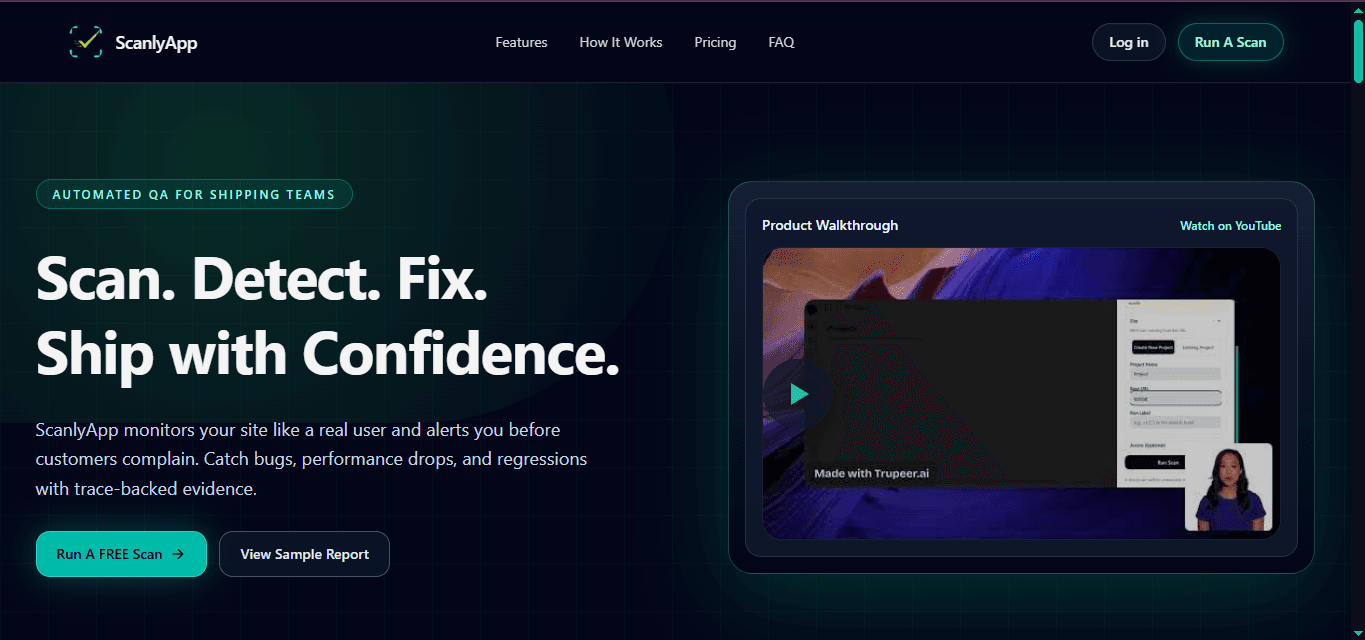
Performance-to-Profit Cycle
Key Optimization
Rebuilt as PWA
Speed Improvement
23s -> 5.6s TTI
Main Result
+44% Ad Revenue

Key Optimization
Critical Path CSS
Speed Improvement
2x Faster
Main Result
+58% Subscriptions
Key Optimization
Data/Size Reduction
Speed Improvement
90% Smaller App
Main Result
Parity with Native Revenue
Key Optimization
Cross-browser PWA
Speed Improvement
2x More Pages/Visit
Main Result
+104% Conversion (New Users)

Key Optimization
Start Render Time
Speed Improvement
6.5s -> 2.5s
Main Result
6x Increase in Article Completion
Feature Set
Run full-site checks with deterministic coverage rules and consistent run metadata.
Validate critical paths on Chromium, Firefox, and WebKit in one execution pipeline.
Capture Lighthouse and Core Web Vitals with thresholds that match release gates.
Replay failing sessions frame-by-frame to isolate the exact UI and timing regression.
Fingerprint issues across runs to surface new regressions instead of noisy repeats.
Record and rerun reusable user journeys alongside site scans for release confidence.
Push scan events into Slack, generic webhooks, and agency automation pipelines.
Run checks automatically and notify teams before clients notice production regressions.
Publish client-ready, read-only reports with screenshots, traces, and severity context.
Push verified QA findings into engineering workflows without manually copying issue evidence.
Sample Report
Hover the report panel to preview what stakeholders see: severity breakdown, reproducible steps, and trace replay links in one place.
Open Sample ReportWhat This Means
The primary contact CTA becomes visible on mobile, but the tap target does not respond consistently once the page finishes animating.
Observed Impact
The tap fires visually, but the action never advances to the next state on mobile.
Screenshot
How It Works
01
Define URL, auth, browsers, and coverage profile in under one minute.
02
Queue scans from UI, API, or schedule. Workers execute and collect evidence.
03
Triage issues, inspect replay traces, and share polished reports with your team.
Performance Metrics
Runs processed
124,000+
Bugs detected
8,700+
QA cycle reduction
41%
Run completion reliability
96%
Multi-site monitoring
Builders and agencies use ScanlyApp to keep multiple sites healthy without running ad-hoc manual checks before every handoff, campaign launch, or deployment.
Keep multiple websites, staging environments, and campaign microsites under the same QA process without rebuilding checks from scratch.
Why it matters
Projects, schedules, alerts, and shareable reports stay organized per client or property.
Scheduled scans flag broken links, SEO gaps, accessibility misses, and UI defects before a release, launch, or campaign handoff goes live.
Why it matters
Evidence includes screenshots, repeatable steps, trace replay, and issue fingerprints across runs.
Turn raw failures into clear client-ready findings that explain what broke, why it matters, and where to focus fixes first.
Why it matters
Public share links and exports make weekly QA reporting faster for agencies and product teams.
Reuse scenarios, integrations, and alerts across multiple sites so one QA lead or agency team can cover more releases with less repetitive checking.
Why it matters
Webhook notifications, scenario replays, and cross-run tracking reduce time spent triaging noisy repeat bugs.
FAQ